Play FightCamp on your TV
Note: This guide is for the new iOS app (v.7+). Click here for Android & Legacy iOS versions.
The FightCamp Console will stream workouts directly to your TV. Before reading this article please reference our Set Up Guide to ensure your console is plugged into your TV with an HDMI cord and that your app is downloaded. Then turn on your TV.
Open FightCamp App:
Scan QR Code on TV Or Open the FightCamp App on your mobile device.
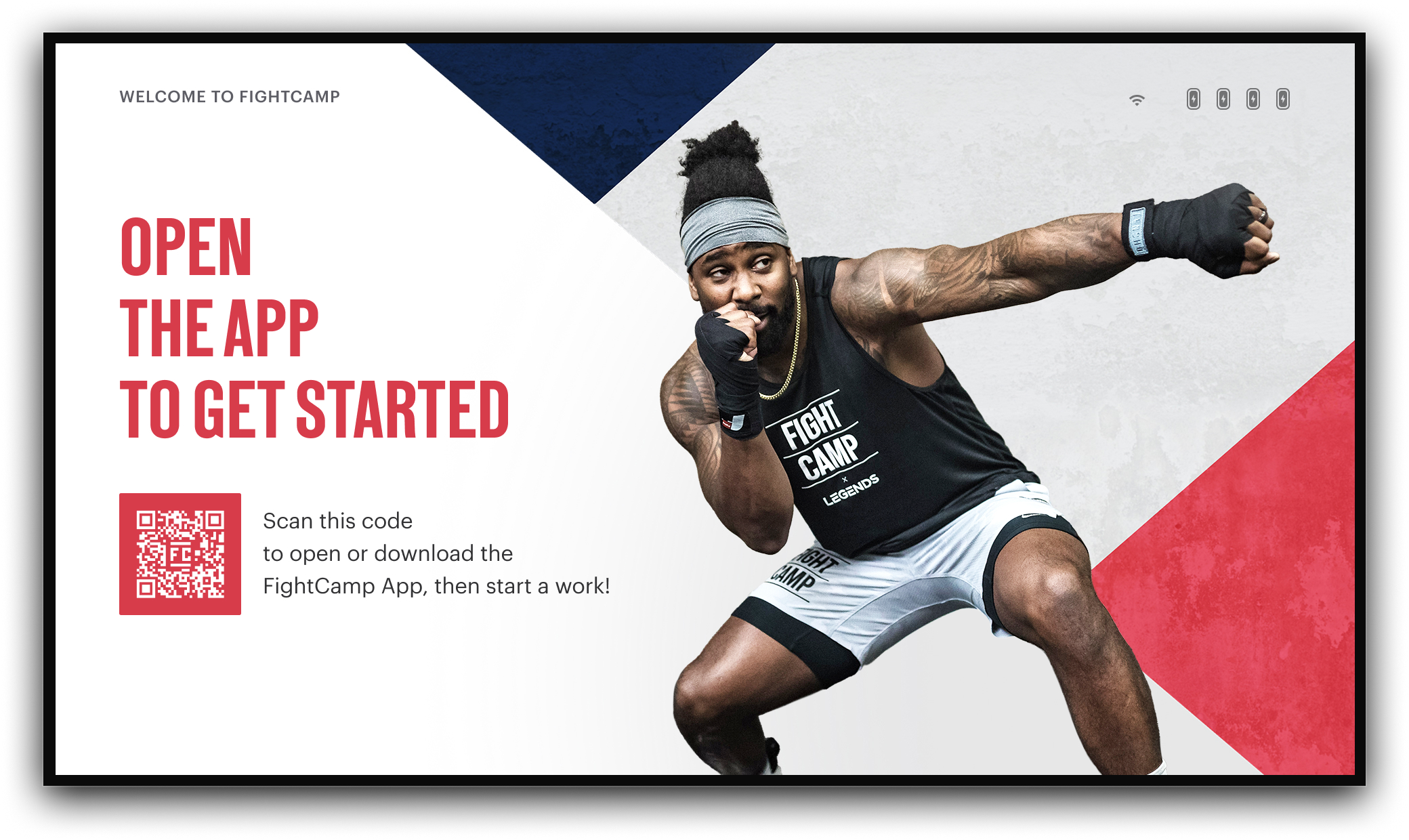
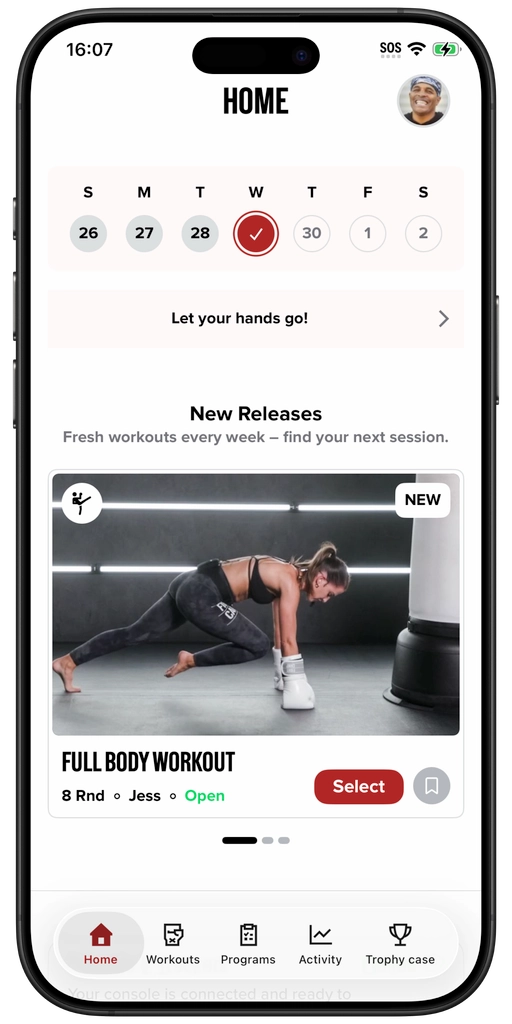
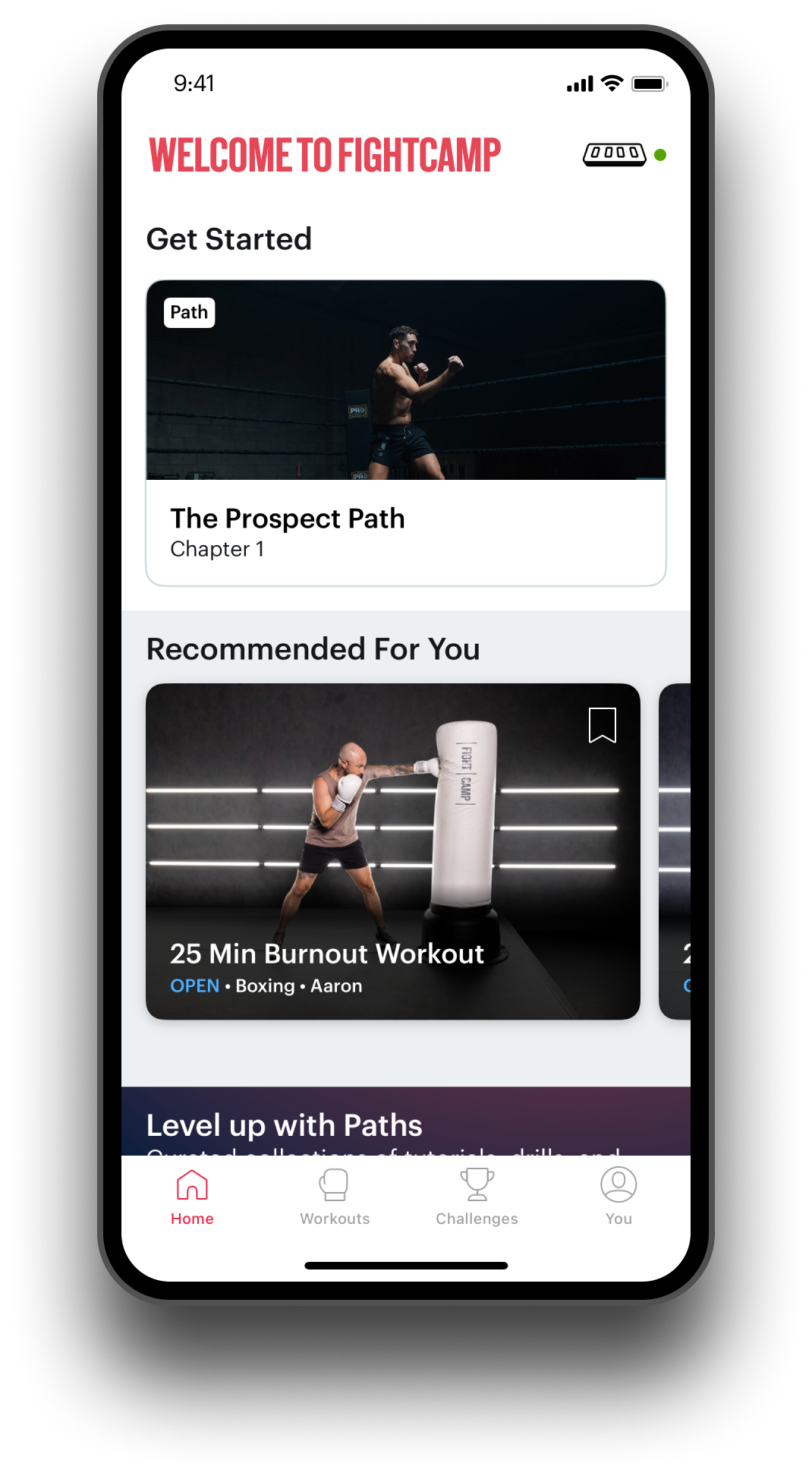
Start A Workout With The App:
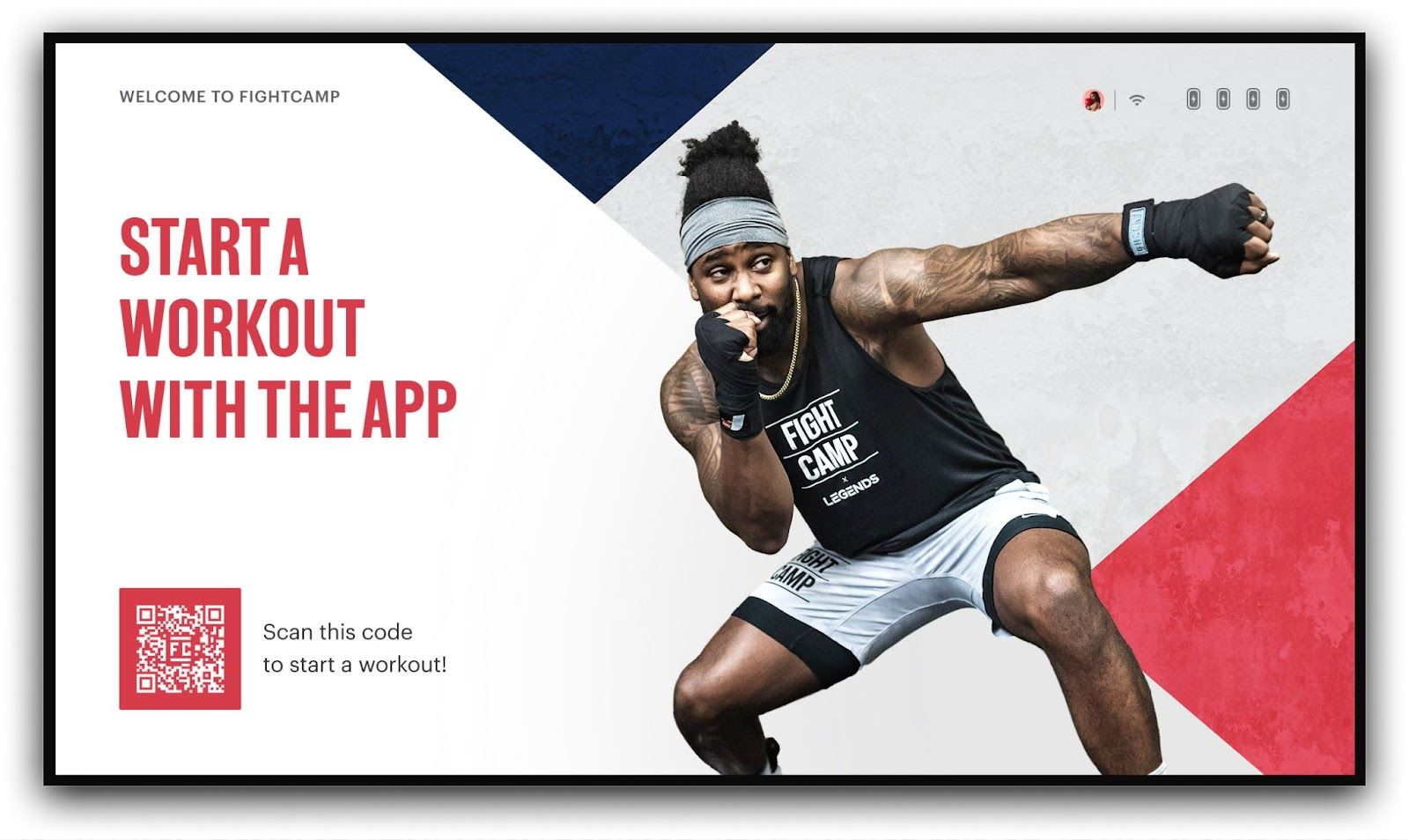
When the FightCamp App is open you will notice your profile picture appear in the upper right-hand corner of the "Start a Workout in the App" screen on the TV.
.
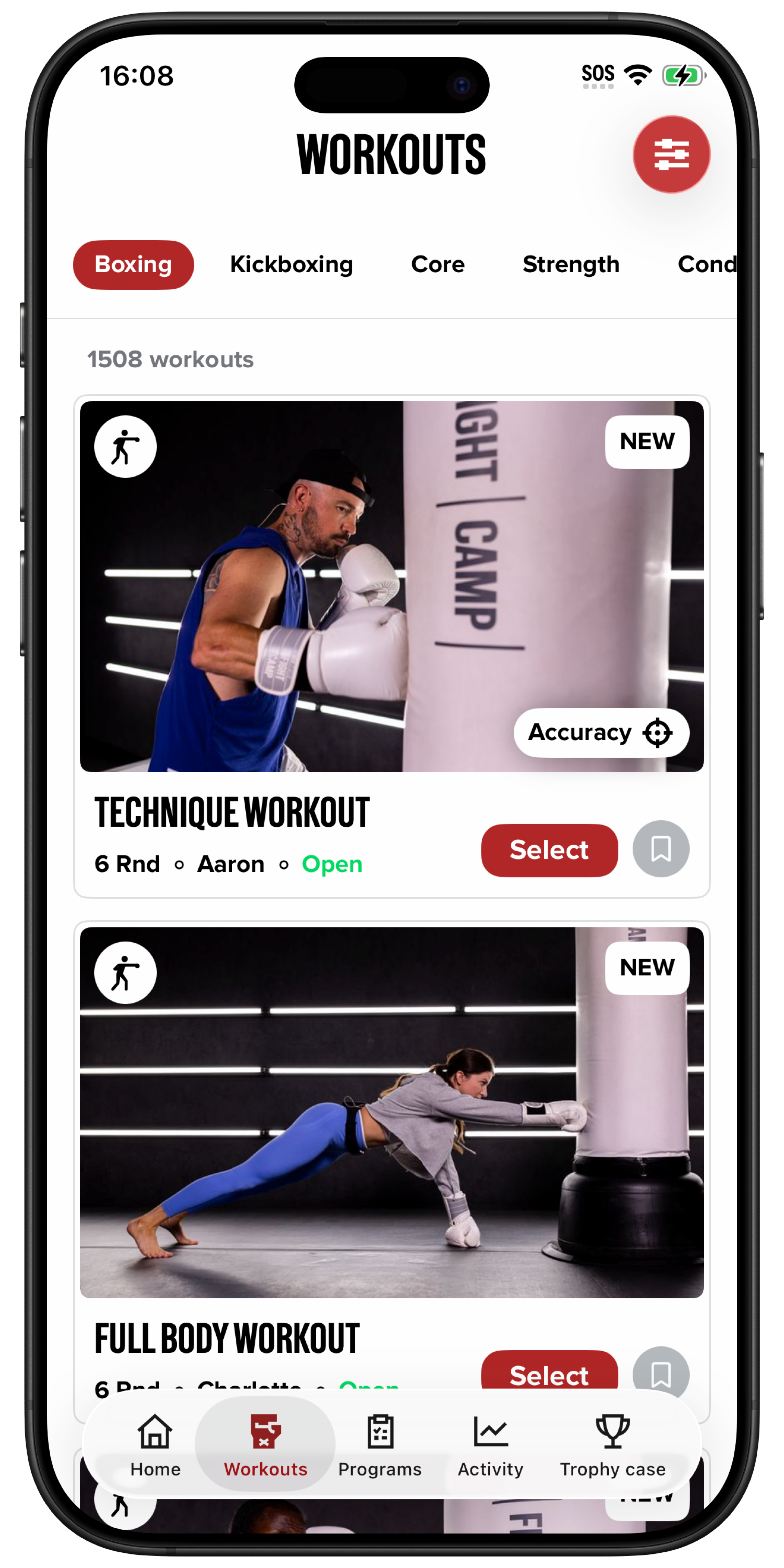
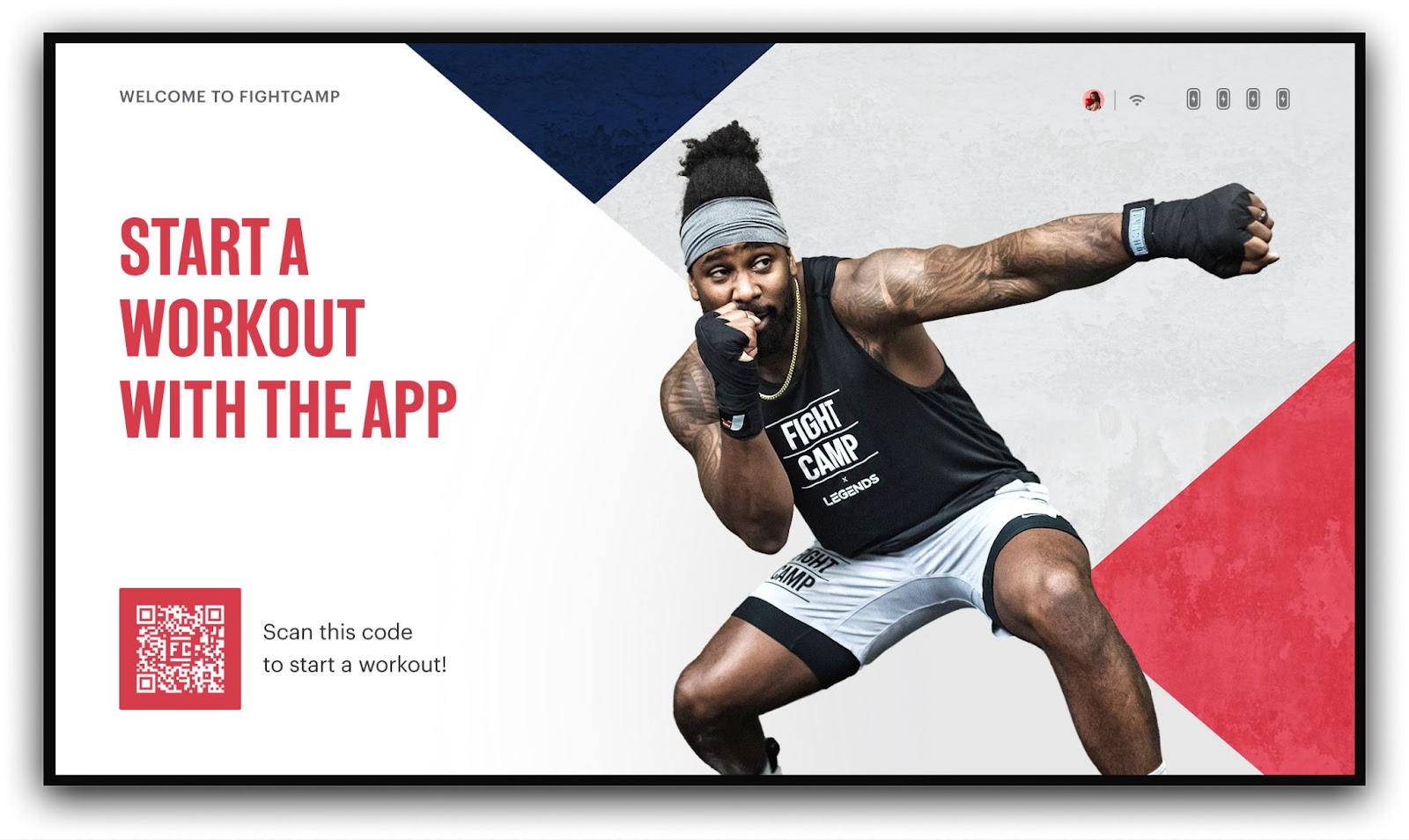
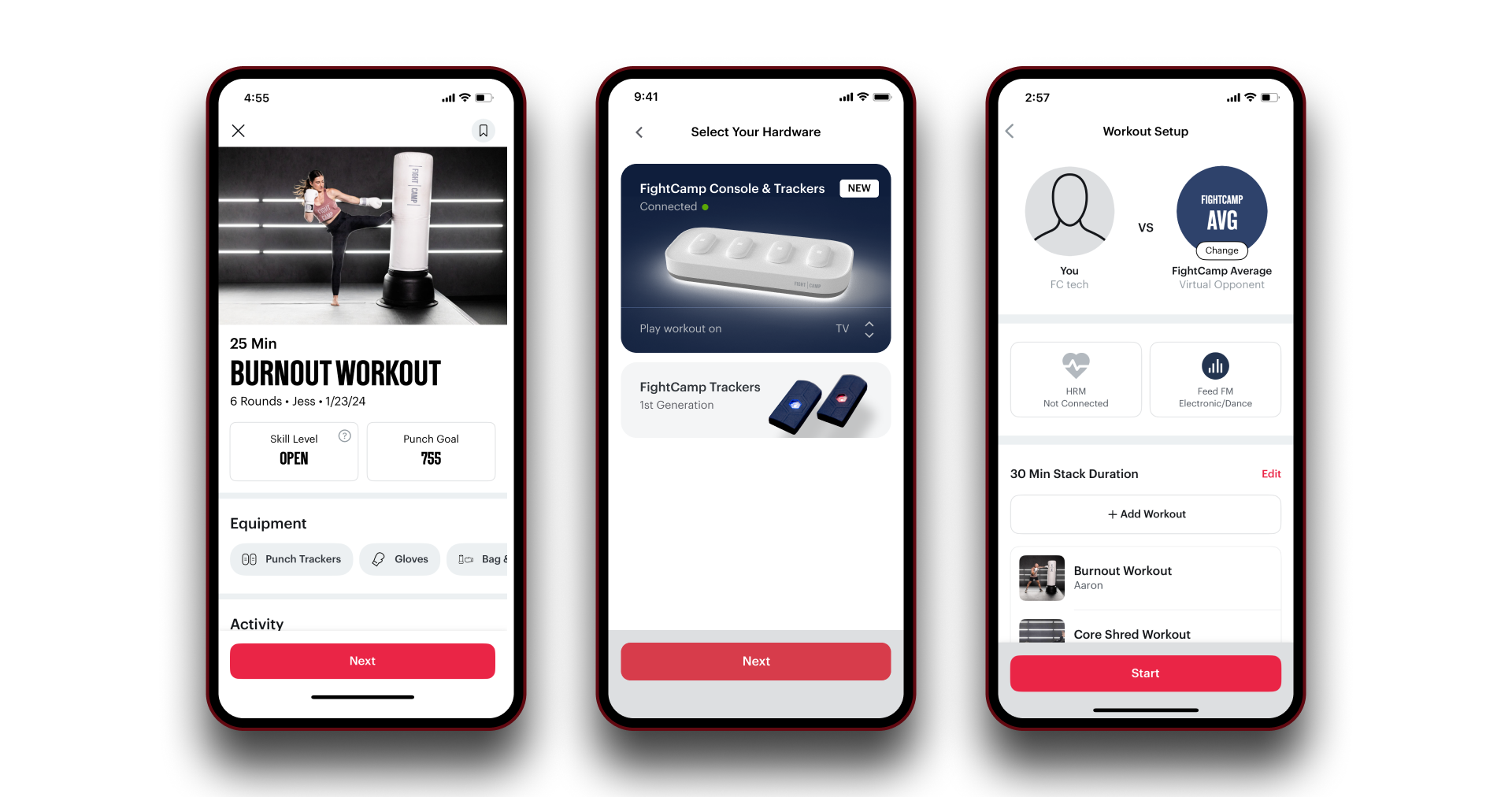
Selecting Console and Workout Setup.
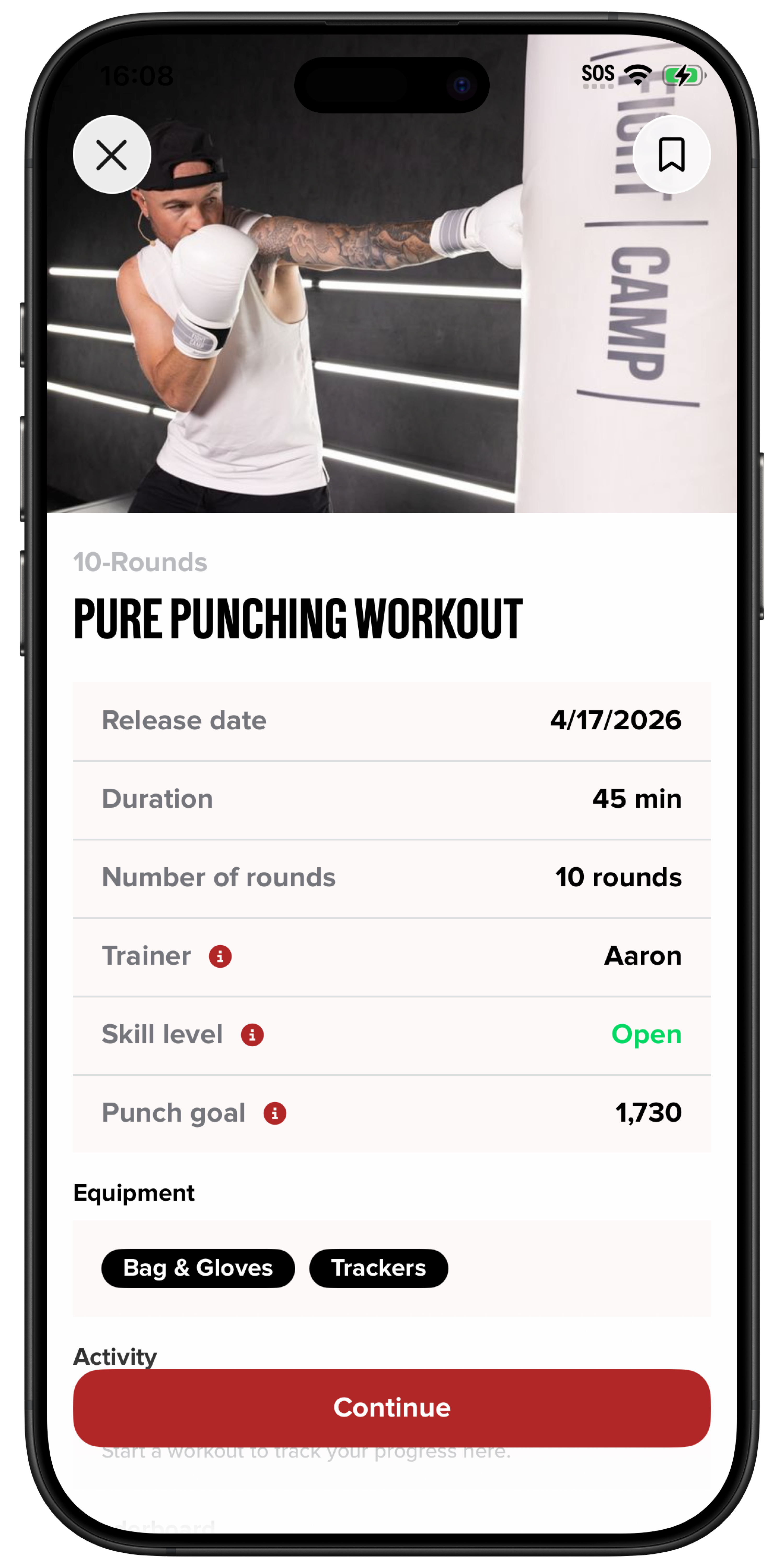
Once you have selected your workout in the app, tap “Continue”.
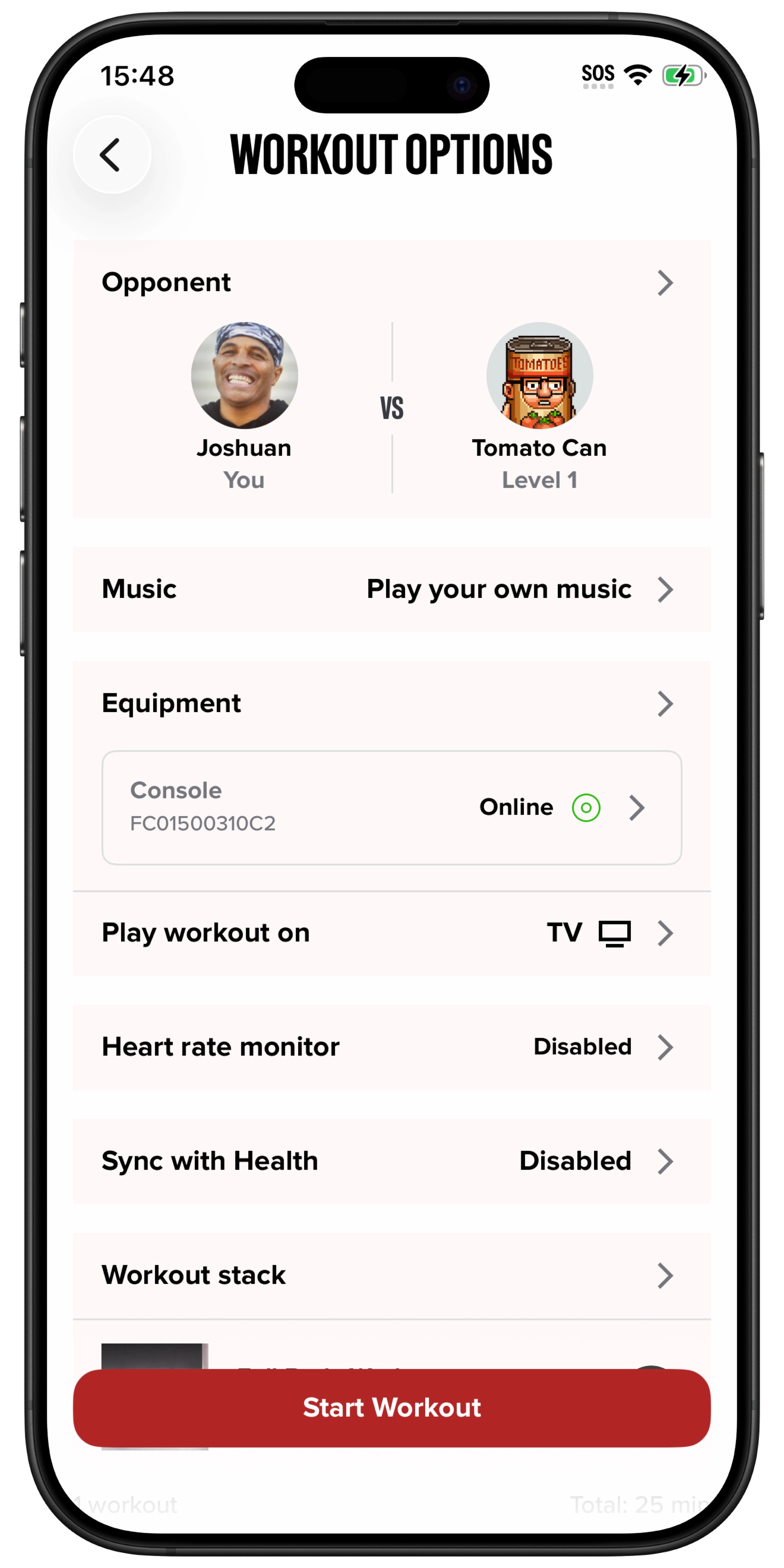
You will be taken to the Workout Options screen.
Make sure the Console is selected in the Equipment section.
In the “Play workout on” section, select TV.
Tap “Start Workout” to begin.
.
.
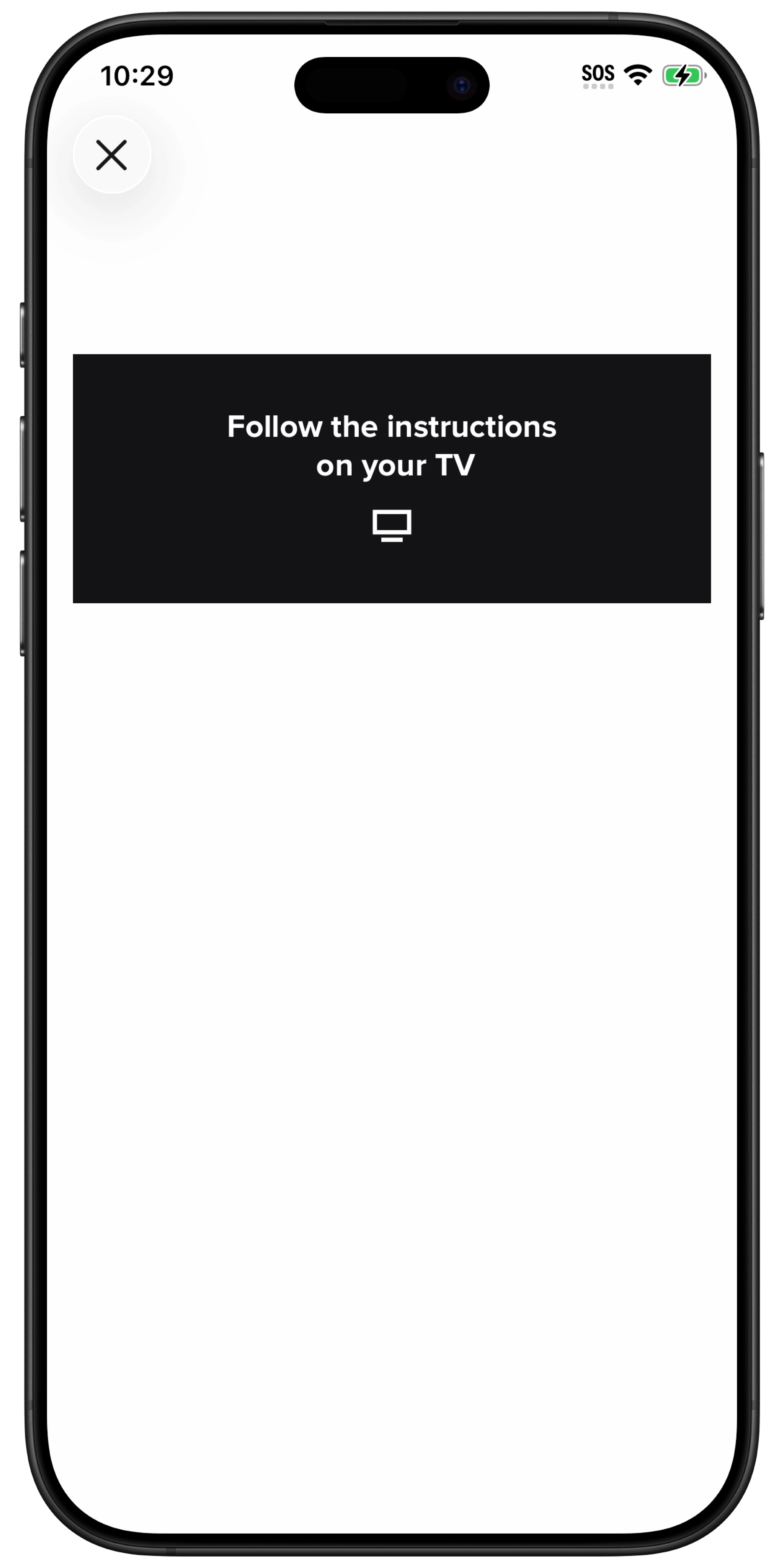
Watch Workout On TV
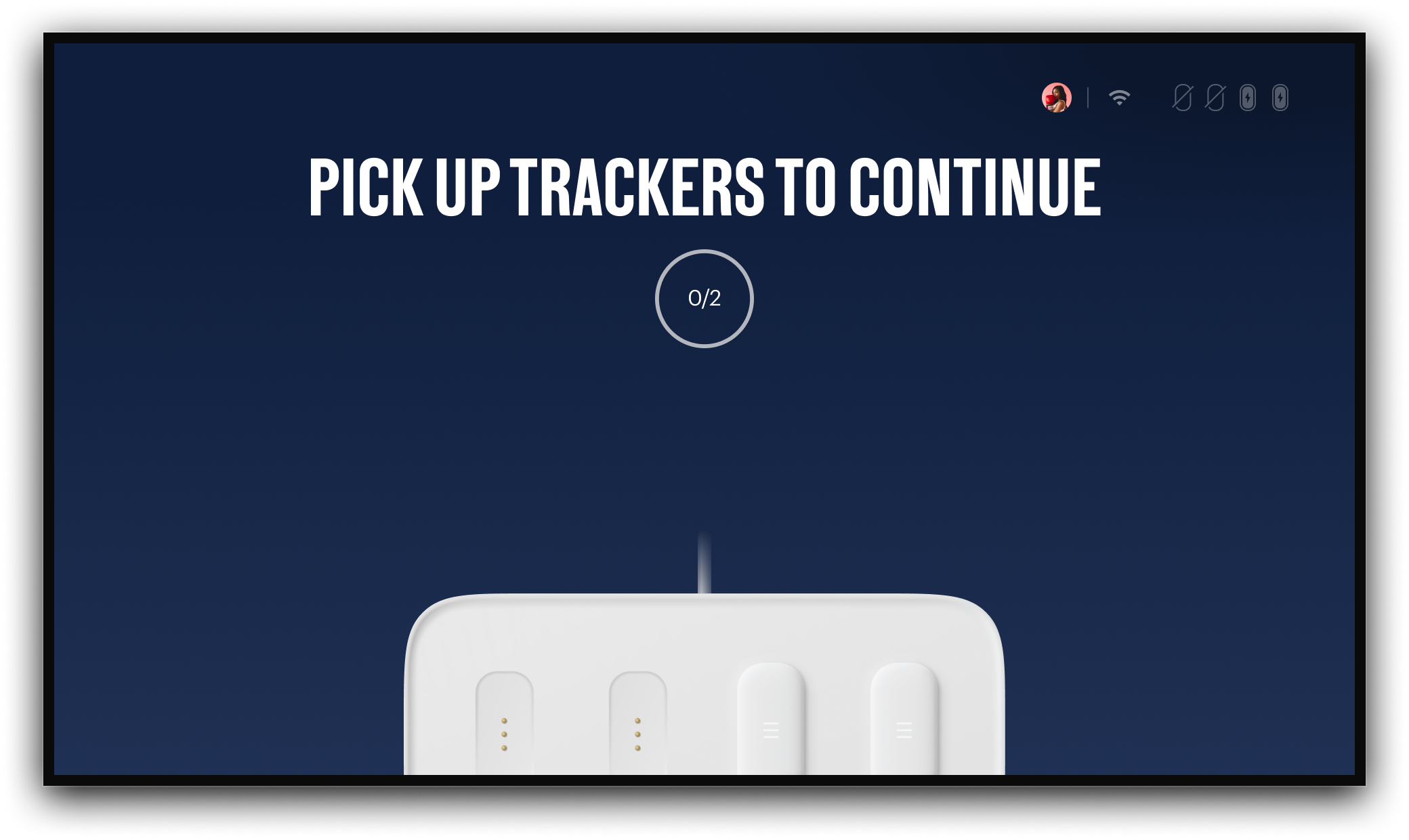
Direct your attention to your TV and you will then be shown a series of tutorials that will walk through:
Picking up your Trackers.
Putting on the Quick Wraps
Understanding The Boxing Stance
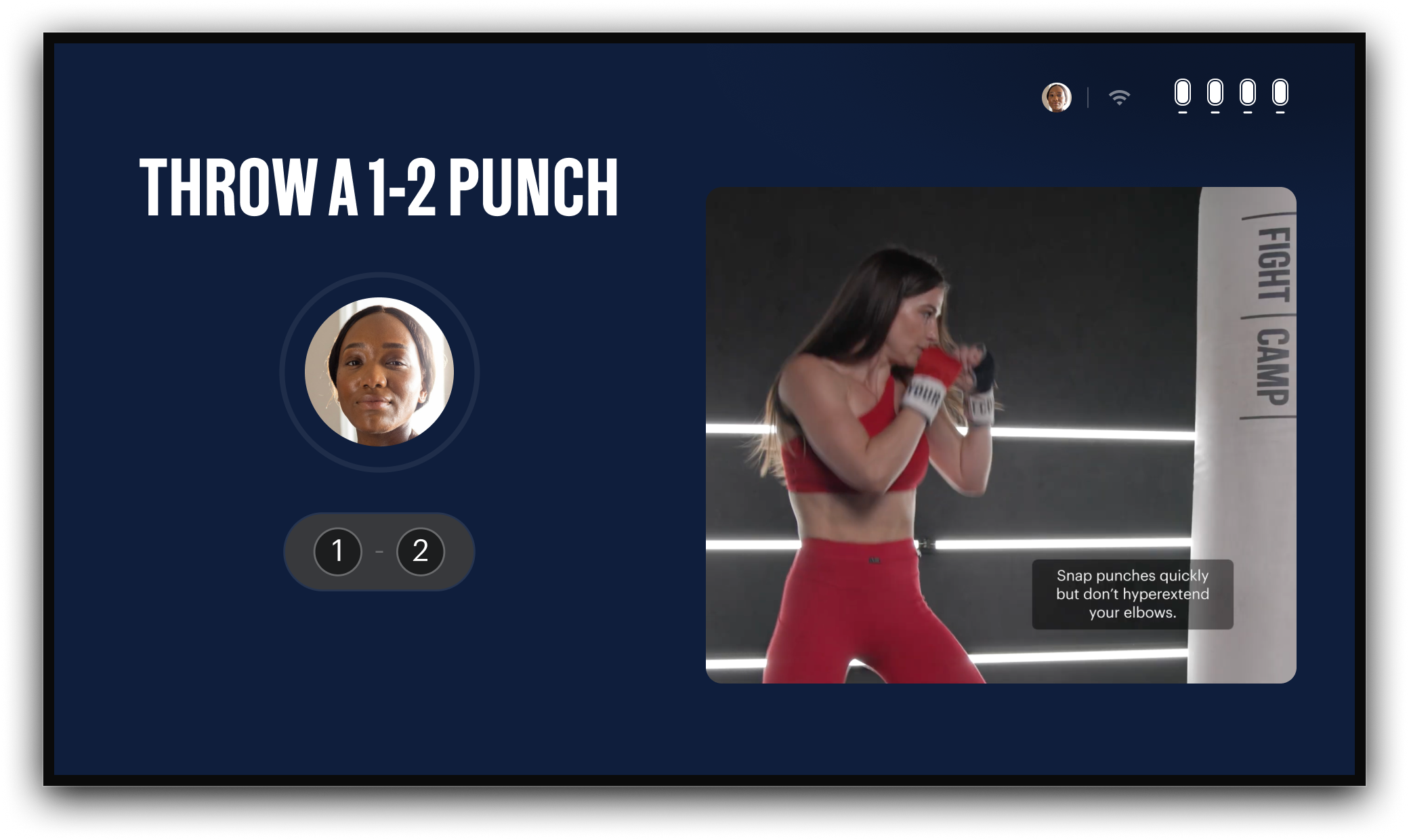
Punch 1-2
The last screen before starting your workout is the Punch 1-2 screen. Here you will use the trackers to throw a 1-2 punch and start your workout.
Instructions for Android & Legacy iOS App
The FightCamp Console will stream workouts directly to your TV. Before reading this article please reference our Set Up Guide to ensure your console is plugged into your TV with an HDMI cord and that your app is downloaded. Then turn on your TV.
Open FightCamp App:
Scan QR Code on TV Or Open the FightCamp App on your mobile device.
Start A Workout With The App:
When the FightCamp App is open you will notice your profile picture appear in the upper right-hand corner of the "Start a Workout in the App" screen on the TV.
Select A Workout
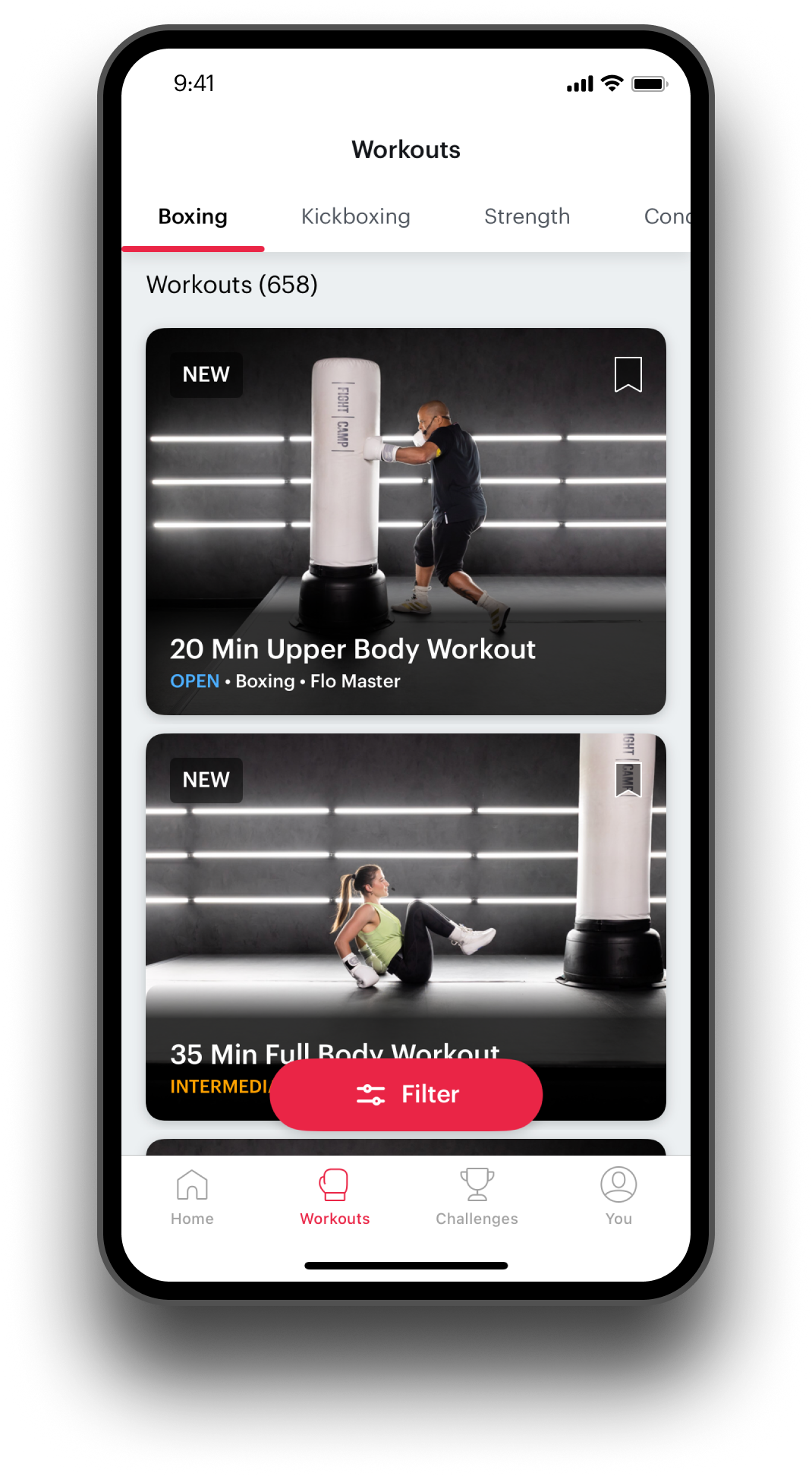
Selecting Console and Workout Setup.
Once you have selected your workout in the app click Next.
Choose Console and Trackers and toggle "Play workout on to TV". Then select Next.
Select " Start" to begin the workout.
Watch Workout On TV:
Direct your attention to your TV and you will then be shown a series of tutorials that will walk through the following:
Picking up your Trackers.
Putting on the Quick Wraps
Understanding The Boxing Stance
Punch 1-2
The last screen before starting your workout is the Punch 1-2 screen. Here you will use the trackers to throw a 1-2 punch and start your workout!
Get Punching!
If you would like to play workouts on your mobile device, please view our article HERE!