Trackers disconnect during workout
Note: This guide is for the new iOS app (v.7+). Click here for Android & Legacy iOS versions.
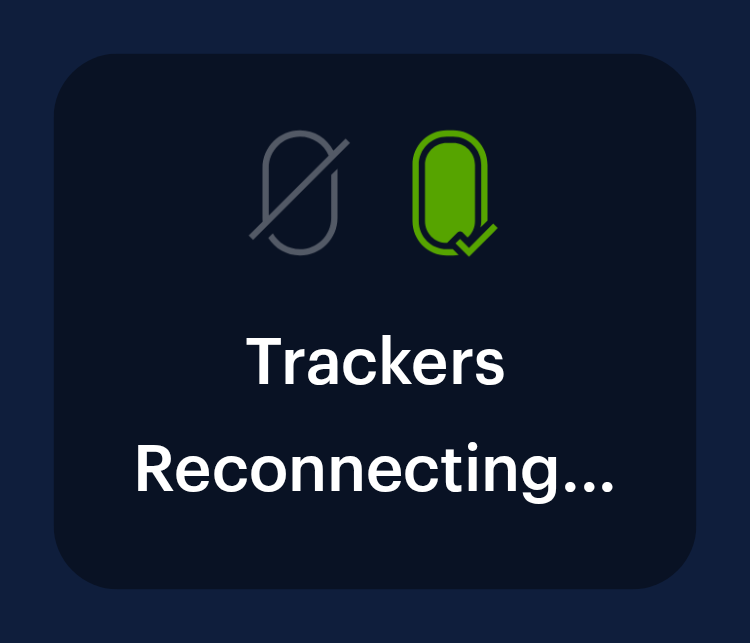
If your trackers disconnect during a workout you should see a “Trackers Reconnecting” disclaimer on the left side of the screen.
Try the following:
Keep trackers in 20-foot range of your FightCamp Console while you workout.
Make sure there are no large obstructions between your trackers and the console.
Make sure that your trackers are fully charged before you work out.
Check the tracker battery level on any of the FightCamp screens on your TV.
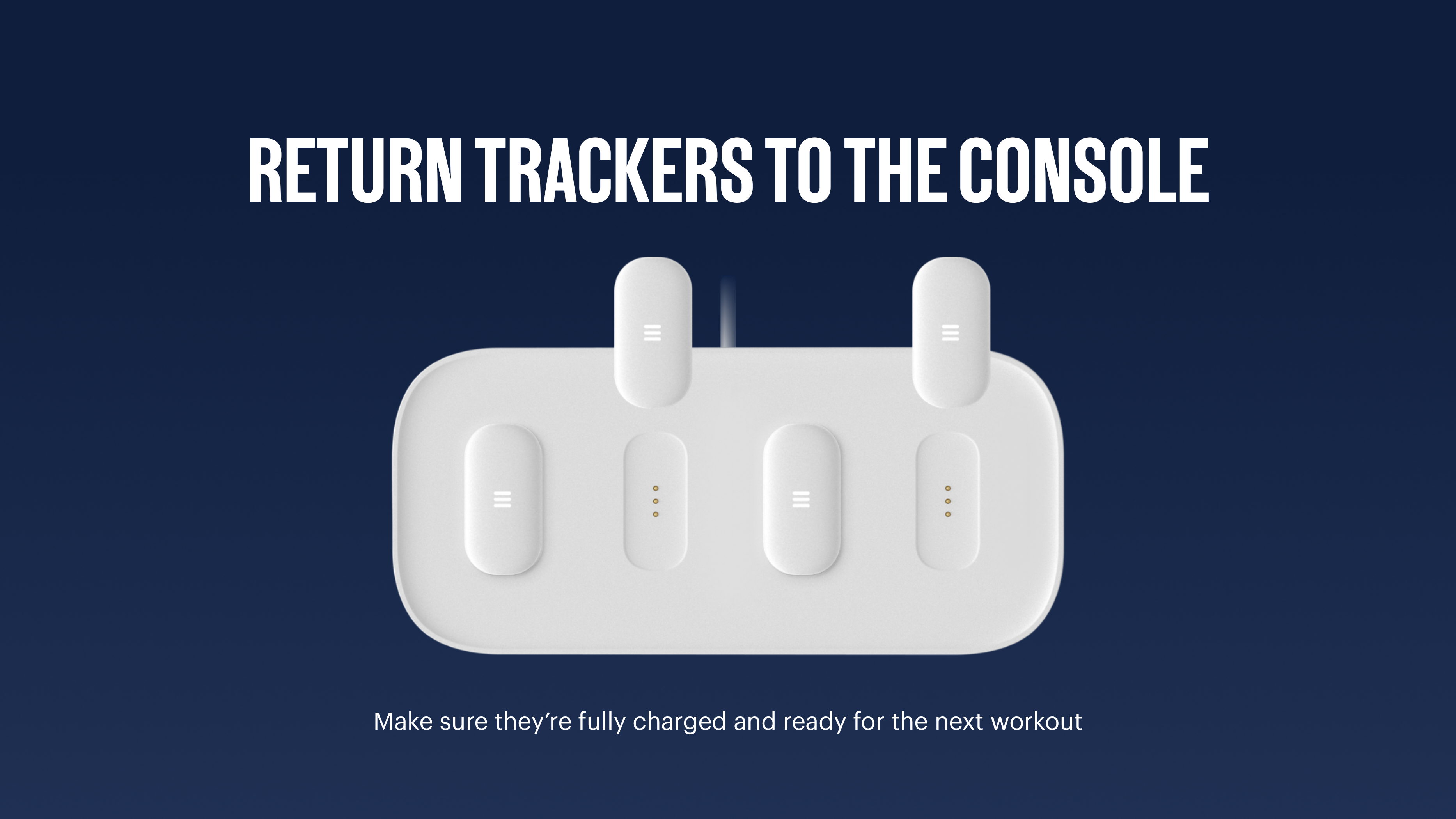
After your workout, return your trackers to the console so they are ready to go for your next workout!
If you have checked all of the above and your trackers still disconnect:
Exit the workout, place your trackers back on the console, and restart the workout.
If your trackers still disconnect, please restart your console and try again.
To restart your console, follow these steps:
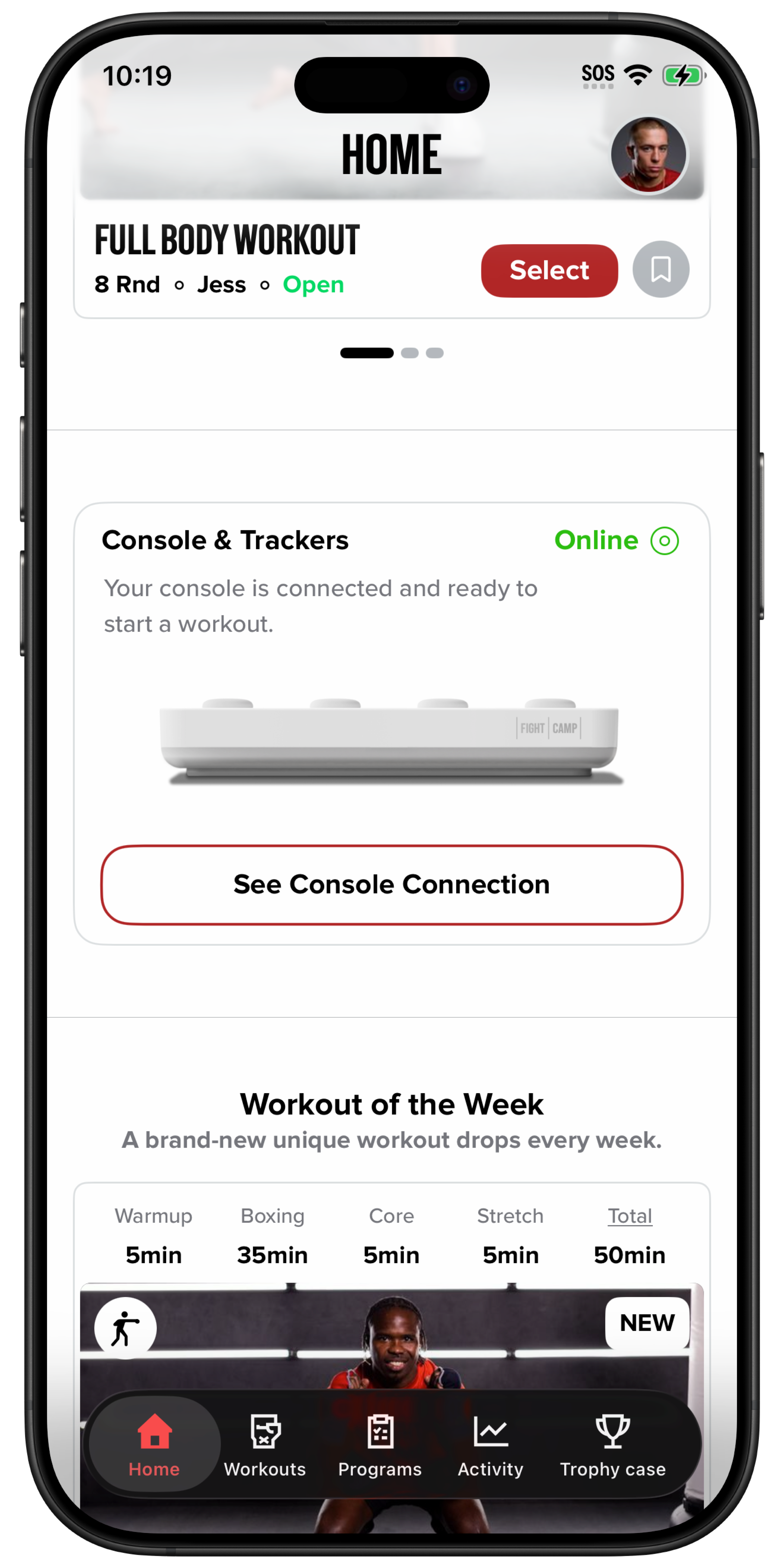
In the FightCamp app, tap “See Console Connection” on the Console card on the home screen.
On the Console Info screen, tap “Restart console.”
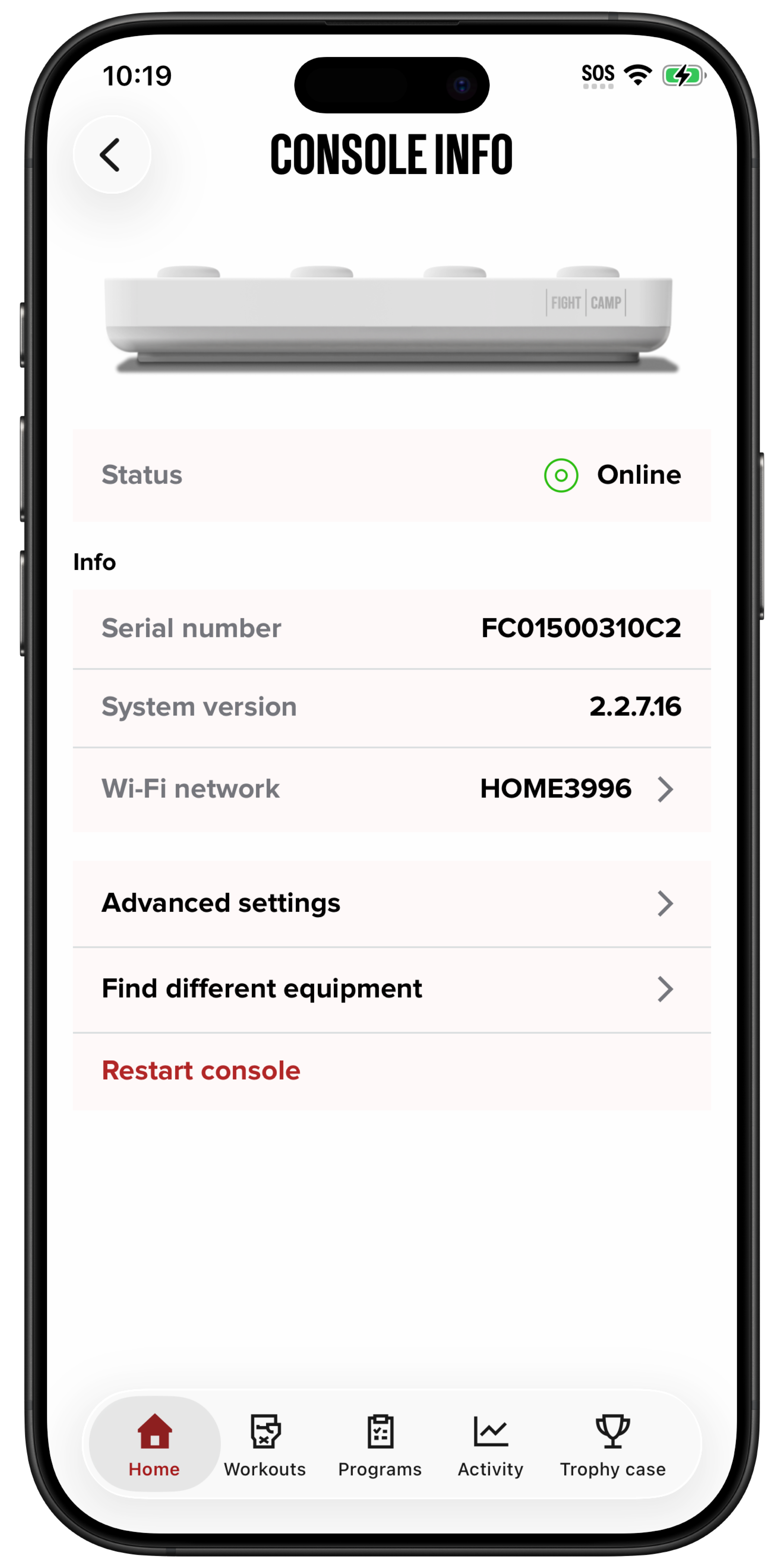
Alternatively, if your mobile device isn’t connected to the console, unplug the console and plug it back in.
Instructions for Android & Legacy iOS App
If your trackers disconnect during a workout you should see a “Trackers Reconnecting” disclaimer on the left side of the screen.
Try the following:
Keep trackers in 20-foot range of your FightCamp Console while you workout.
Make sure there are no large obstructions between your trackers and the console.
Make sure that your trackers are fully charged before you work out.
Check the tracker battery level on any of the FightCamp screens on your TV.
After your workout, return your trackers to the console so they are ready to go for your next workout!
If you have checked all of the above and your trackers still disconnect:
Exit the workout, place your trackers back on the console, and restart the workout.
If your trackers still disconnect, please restart your console and try again.
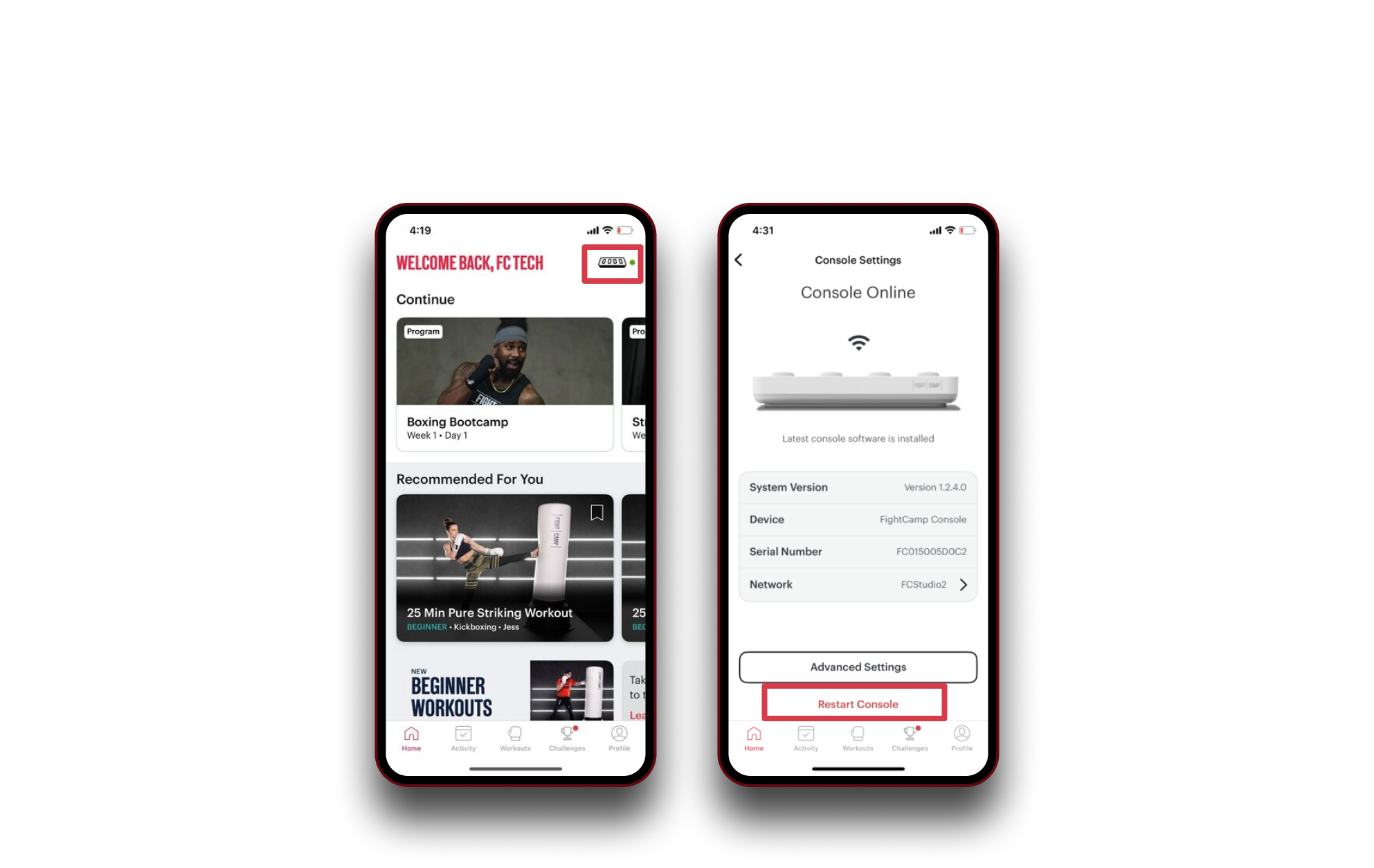
Restart Console: (Pictured Below)
Start On the Home Screen of the FightCamp APP.
Select the Console Button in the upper right-hand corner.
SelectRestart Console.